Step 1
Open your device's settings app.
Step 2
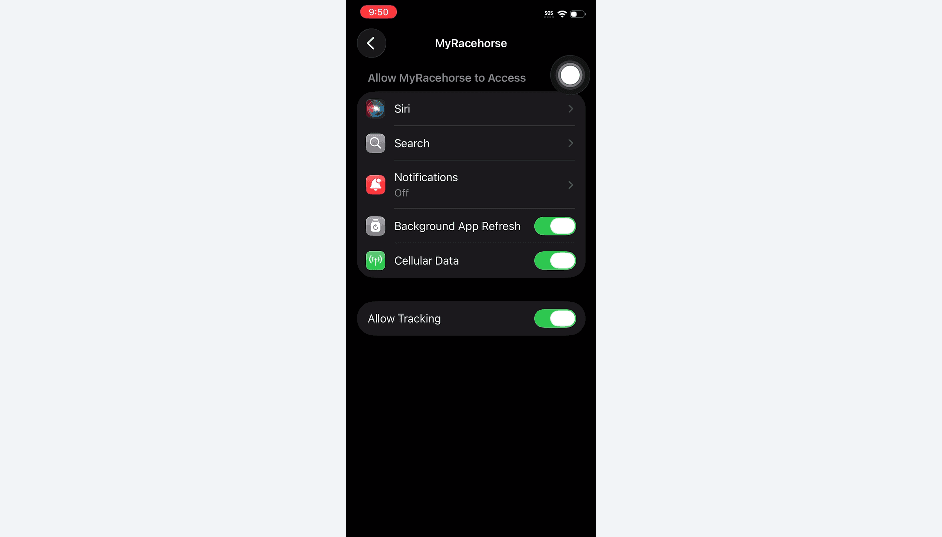
Use the search bar at the bottom of the screen to find the MyRacehorse app settings.
Step 3
Select "notifications" then toggle on the "Allow Push Notifications" setting.

Below you’ll find a screen recording that shows how to turn push notifications on for your apple devices. Further down, we’ve included a step by step walk through with screenshots to ensure the process is easy to follow.
Open your device's settings app.
Use the search bar at the bottom of the screen to find the MyRacehorse app settings.
Select "notifications" then toggle on the "Allow Push Notifications" setting.

© 2026 MyRacehorse. All rights reserved.